How to run multiple communities on one server
Most creators end up with more than one community. On hosted platforms that means another plan each time. Here is how to run them all from one install.
Why creators end up with several communities
- Free and paid. A free community to build trust, and a paid one for the inner circle.
- One per course or cohort. Each launch gets its own space, members and calendar.
- One per language or region. Separate feeds keep conversations readable.
- Client communities. Agencies and coaches run spaces for different clients.
The per-group cost problem
On Skool, each group has its own plan: $9 or $99 a month per group at the time of writing. Three Pro groups is $297 a month before transaction fees, and the bill grows with every idea you try.
Skool prices are from Skool's public pricing page and help centre at the time of writing (November 2026) and may change. OpenEscool is not affiliated with, endorsed by or sponsored by Skool.
How OpenEscool handles it
One install runs unlimited communities. Each community has its own members, feed, classroom, calendar, leaderboard, plans and team. A member can join several with one account, and switches between them from the sidebar.
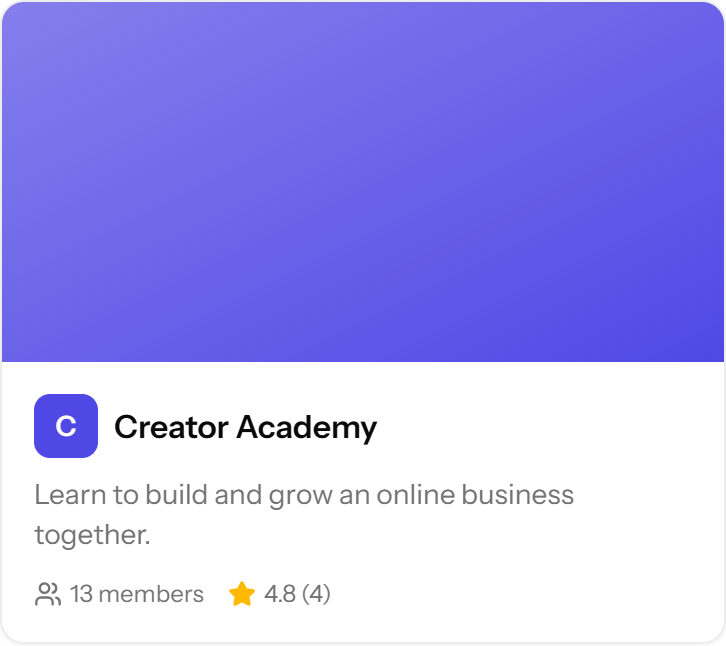
Your home page can open one community directly, or show your own Discover page listing the communities you choose, in your order, with ratings from member reviews.
Roles per community
Roles are set per community: owner, admin, moderator or member. Someone can moderate your free community without seeing the admin side of your paid one. Platform admins (the first account, and anyone you promote) can create new communities and open Admin settings.
Server sizing as you grow
A small VPS (1 vCPU, 4 GB RAM class) handles a new install with several communities. Move up when you have thousands of active members, or if you upload many videos instead of using YouTube, Vimeo or Loom. Upgrading a VPS plan usually takes a few minutes and keeps your data.
Branding: one domain for the whole install
To be clear about one limit: the whole install runs on one domain, with one site name and logo. Each community gets its own address on it, like yourbrand.com/c/yoga, but there are no separate domains per community. If you need two completely separate brands, run two installs (they can share one server).
Example setups
| Creator | Communities |
|---|---|
| Fitness coach | Free community, paid coaching community, 6-week challenge cohort |
| Course creator | One community per course, plus a free community for leads |
| Agency | One community per client, run by the agency's team |
Ready to set it up? Follow the install guide, or see what it costs.
Questions
Is there a limit on communities?
No. The software has no limit; your server size is the only practical one.
Can each community have its own pricing?
Yes. Each community has its own plans, currency and free or paid setting.
Can members join several communities with one account?
Yes. One account works across every community on your install.
Can each community have its own domain?
No. The whole install runs on your domain, and each community has its own path on it.
Who can create communities?
Platform admins. The first account to register becomes one.
Run it on your own server
Free, open source, and live in about 30 minutes.